How to Download Videos From Facebook, Instagram, TikTok, and X: The Complete 2026 Guide
Downloading videos from Facebook, Instagram, TikTok, and X takes one simple process: copy the public post link, paste it into an online video downloader, and save the file to your device. No app, no account, and no software installation are involved. This guide covers the exact steps for all four platforms, the file formats and quality you can expect, what each platform lets you save, whether anyone is notified, and where the law stands on personal use. Every method here runs in a normal mobile or desktop browser, so the same four steps work on an Android phone, an iPhone, or a computer.
What an Online Video Downloader Does
An online video downloader turns a public post link into a saved media file that plays without an internet connection. The tool reads the link you paste, locates the video on the platform's servers, and returns a downloadable copy in a standard format. socialsaver.net runs this process for Facebook, Instagram, TikTok, and X through a single paste-and-fetch flow, so one method covers every platform.
The output depends on what you need. Videos save as MP4, the format that plays on nearly every phone, computer, and media player. Audio saves as MP3 when you only want the sound, and photos save as JPEG. socialsaver.net works entirely in the browser, which means nothing installs on your device and no account is required at any step. The MP4 container format is the reason a downloaded clip plays the same way across an iPhone, an Android tablet, and a Windows laptop.
Because the tool is browser-based rather than an installed program, it sits in the same category as other online download methods rather than desktop software, a distinction that matters for safety and storage later in this guide.
The core mechanic is the same on every platform, and understanding it removes most of the confusion beginners run into. When you paste a link, the tool requests the media file the platform already serves to viewers, then hands you that file directly instead of streaming it inside an app. Nothing is recorded from your screen, and no quality is added or invented: the download matches the version the platform stored. This is why a clip's final resolution is always capped by the original upload, and why a video posted in 480p can never be saved in 1080p, regardless of the tool.
What You Can Download From Each Platform in 2026
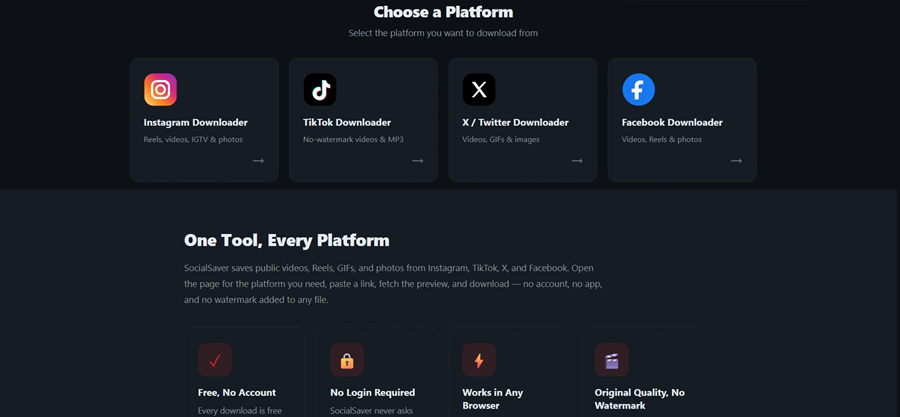
Each platform stores and serves media differently, so what you can save, and at what quality, changes from one to the next. The table below maps the current picture across all four platforms and what socialsaver.net returns for each.
Platform | Content types | Quality ceiling | Watermark | Not available | What socialsaver.net delivers |
|---|---|---|---|---|---|
Feed videos, Reels, Watch, public group and Page videos | Up to 1080p (HD variant) | None on file | Private profiles, closed groups | HD MP4 or MP3 audio | |
Reels, posts, IGTV, photos | Original upload resolution | None (native save adds one) | Stories, Highlights, private accounts | Clean MP4, JPEG photos | |
TikTok | Public videos, sounds | 720p or 1080p HD | None (native save adds animated logo) | Private accounts, download-restricted clips | Watermark-free MP4 or MP3 |
X (Twitter) | Videos, GIFs, images | Up to 1080p (post-dependent) | None on file | Protected accounts, deleted posts | MP4, looping-MP4 GIFs, JPEG |
Two patterns stand out. First, only public content downloads on every platform, since private accounts and closed groups restrict who can view their media. Second, the native in-app save on TikTok and Instagram stamps a watermark, while a link-based download returns the clean original.
A third pattern is worth noting for anyone saving across platforms regularly: expiring content behaves the same way everywhere. Stories on Instagram, Facebook, and TikTok vanish after roughly 24 hours, and once they are gone the source file is gone with them. The practical lesson is timing rather than tooling, since no downloader can reach a Story that has already expired. The sections below walk through each platform in order, starting with Facebook, whose HD and SD variant system causes more quality complaints than any other platform.
How to Download Facebook Videos
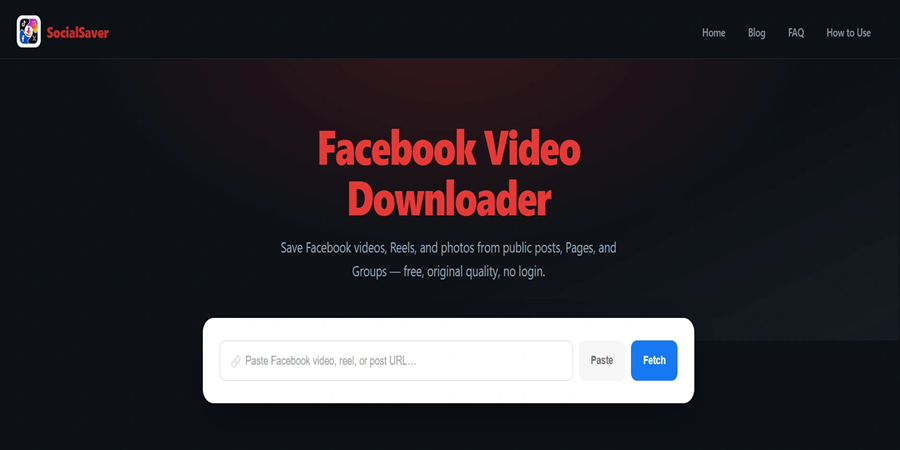
Facebook videos can be downloaded when the post is public, and the process handles feed videos, Reels, Watch clips, and videos from public Pages and groups. The one detail that decides quality is Facebook's variant system: the platform stores most videos in a paired HD and SD version, and weaker tools grab the smaller SD file, which is the source of nearly every "why is my Facebook download blurry" complaint. Fetching the HD variant when it exists is what separates a sharp save from a soft one.
Find the video on Facebook: Open the public video or Reel in the app or on facebook.com. Private profiles and closed groups cannot be accessed.
Copy the video link: Tap Share and select Copy link, or copy the URL from the address bar. Facebook uses several link shapes, including facebook.com/watch, facebook.com/reel/, and fb.watch short links.
Paste the link into the socialsaver.net: Facebook downloader tab. Click Fetch, and the video title, thumbnail, and available qualities load within seconds.
Choose quality and download: Select HD for the sharpest file, or switch to MP3 for audio only. The file saves to your downloads folder.
A finished Facebook Live broadcast downloads like any standard video once the replay is public, though live streams cannot be saved while still airing. For the full breakdown of link types and group access rules, the Facebook video downloader guide covers each case in depth.
Limits to know: private profiles, friends-only posts, and closed groups stay restricted, and a video that exists only in SD cannot be sharpened beyond its original upload. Shortened fb.watch links resolve automatically, so there is no need to expand them first, and a video shared into a public group but originally posted privately still follows the original poster's privacy setting.
How to Download Instagram Videos and Reels
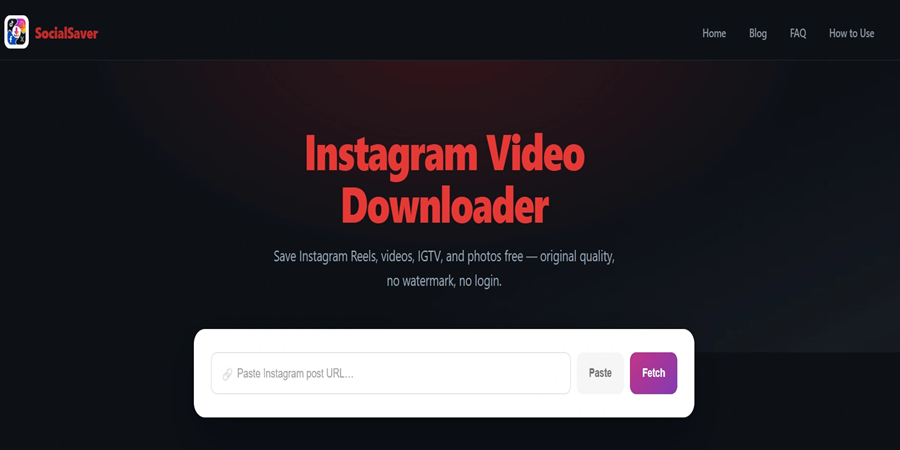
Instagram videos and Reels can be downloaded from any public account, and the file returns without the watermark that Instagram's own save adds. This matters most for Reels, which many people re-save for offline reference or reuse. Instagram's in-app Download button is also inconsistent: it appears only on some public posts, works on mobile only, and disappears whenever a creator turns it off, which is why a link-based method is more reliable.
Open the Instagram post or Reel: The account must be public, since private accounts restrict access to their content.
Copy the post link: Tap the three-dot menu and select Copy Link. Valid links contain instagram.com/p/, instagram.com/reel/, or instagram.com/tv/.
Paste the link into the socialsaver.net: Instagram downloader tab. Click Fetch, and a preview loads with the thumbnail and account name.
Download your content: Videos save as MP4 and photos as JPEG, both in original quality with no watermark or branding added.
The contrast with the in-app method is the reason people use a link-based tool: Instagram's native download stamps saved Reels with the Instagram logo and the poster's username, while a downloaded file stays clean. Full coverage of posts, IGTV, and photo handling sits in the Instagram video downloader guide.
Limits to know: Stories and Highlights use expiring links and are not supported, carousel posts download one item at a time, and private accounts stay off-limits. A Reel that lost its audio on Instagram usually did so because of a licensing removal at the source, so the silent version is the only one available to save. Reels cross-posted from Facebook download identically, since both belong to Meta's shared Reels format.
How to Download TikTok Videos Without a Watermark
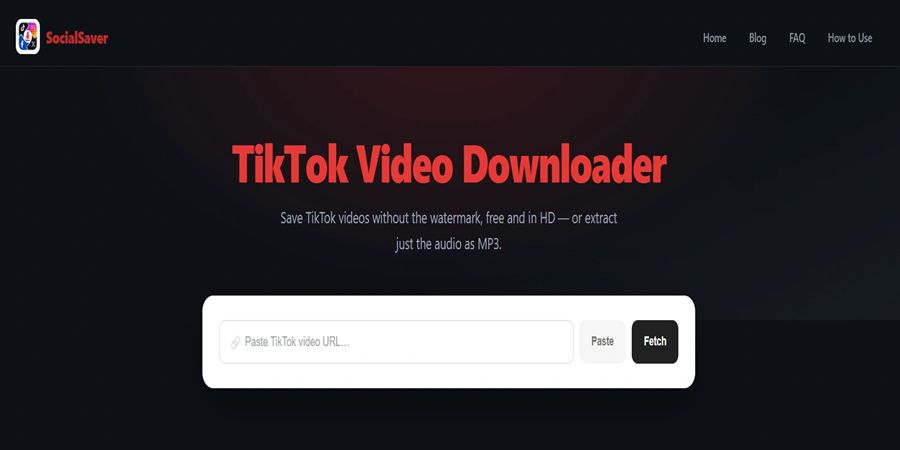
TikTok videos can be downloaded as clean MP4 files with no watermark, which is the single most-requested outcome on this platform. TikTok's in-app save embeds an animated watermark that carries the TikTok logo and the creator's @username and moves around the frame, so it cannot be cropped out cleanly. A watermarked file also gets down-ranked when reposted to other short-video platforms, which is why creators reach for a clean copy when moving content between apps.
Find the TikTok video: Open the public video in the app or at tiktok.com. Restricted clips can fail even by URL.
Copy the video link: Tap Share, then Copy link. Full links use tiktok.com/@username/video/, and short vm.tiktok.com links work too.
Paste the link into the socialsaver.net: TikTok downloader tab. Click Fetch, and the preview shows the creator's handle and thumbnail.
Download without the watermark: The clean MP4 saves to your device, or switch to MP3 to keep only the sound.
TikTok's music culture makes audio extraction a first-class use: trending sounds, original audio, and voice clips all save as MP3 without the video. The TikTok video downloader guide covers photo-mode posts, short links, and the Allow Downloads setting in detail.
Limits to know: private accounts and videos with downloads disabled by the creator may not be accessible, and quality is capped by the creator's original upload. TikTok's short links, including vm.tiktok.com and vt.tiktok.com, redirect to the full video page and work without any extra step. Photo-mode slideshows behave differently from standard videos, since they combine images with a sound rather than a single video stream.
How to Download X (Twitter) Videos and GIFs
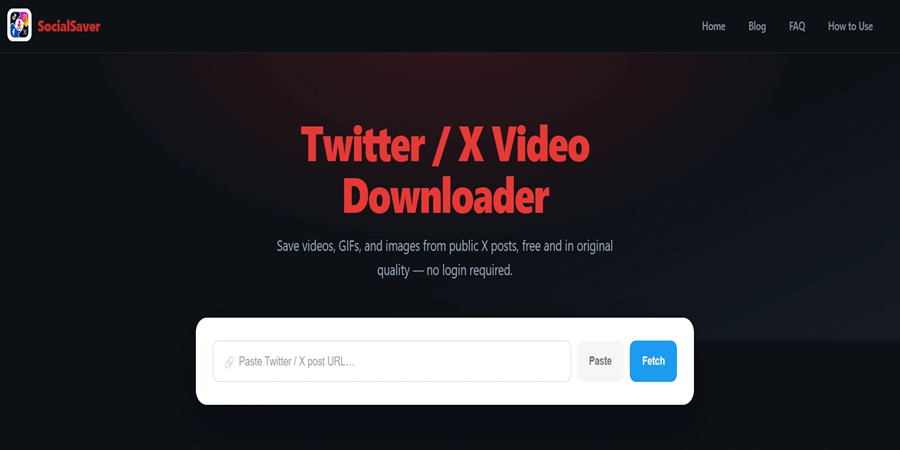
Videos, GIFs, and images can be downloaded from public posts on both x.com and twitter.com, and each media item in a post is listed separately. X handles GIFs in a way worth knowing: the platform stores them as short looping MP4 files rather than true GIFs, so that is the format a download returns, and it plays smoothly on every device without a separate GIF viewer.
Find the post with media. The post must be public, since protected accounts restrict media retrieval.
Copy the post URL. Use Share, then Copy link, or copy from the address bar. Valid links follow x.com/username/status/ or twitter.com/username/status/ plus the post ID.
Paste the link into the socialsaver.net X downloader tab. Click Fetch, and every media item in the post appears with quality options.
Download your file. Videos save as MP4, GIFs as looping MP4, and images as JPEG.
A single post can hold up to four media items, and each one downloads individually, so a multi-video post lets you pick exactly what you need. Full details on the status URL, protected accounts, and multi-media posts sit in the X video downloader guide.
Limits to know: protected accounts and deleted posts cannot be fetched, and a post that only embeds an outside link contains no native X media to save. X changed its media delivery in 2025, adding links that expire quickly and stricter rate limits, which is why tools that cache old links return errors. A fresh fetch each time is what keeps downloads working after that change.
Does TikTok Tell You Who Downloaded Your Video? (And the Other Platforms)
TikTok does not tell you who downloaded your video, and it does not notify you when someone saves a public clip. This is one of the most searched questions in the space, and the short answer holds across all four platforms: none of them sends the creator a notification when a public video is downloaded through a link-based tool.
Platform | Notifies on video download? | Notes |
|---|---|---|
TikTok | No | No alert for saved videos; creators control the Allow Downloads toggle, not download visibility |
No | No notification for Reels, posts, or video saves; screenshot alerts apply only to disappearing DMs | |
No | No download notification for public videos or Reels | |
X (Twitter) | No | No alert when a video, GIF, or image is saved |
One nuance keeps the record precise: a few platforms send screenshot alerts inside private, disappearing messages, which is a separate feature from downloading a public post. Saving a public video with a downloader leaves no trace with the original poster.
This distinction matters because the fear behind the question is usually social, not technical. People want to save a friend's post, a competitor's ad, or a public clip without an awkward notification landing in someone's feed. The reassurance is consistent across Facebook, Instagram, TikTok, and X: a public download is invisible to the creator. What creators do control is whether downloading is allowed at all, through per-account or per-video settings, which is a permission layer rather than a tracking one.
Online Downloader Safety: What a Legitimate Tool Never Asks For
An online video downloader is safe to use when it asks for nothing more than a public link. The rule is simple: a legitimate tool never requests your account password, payment details, or a software install to save a public video. If a site asks you to log in with your social media credentials, that is the signal to leave.
socialsaver.net works from the public URL alone, stores no media, logs no URLs, and deletes temporary files from its servers after delivery. Because it runs in the browser, nothing installs on your device, which removes the malware surface that bundled downloader software can carry.
The warning signs of an unsafe site are consistent and easy to spot once you know them. Fake download buttons sit next to the real one, hoping for a misclick. Chains of pop-up redirects push you through several tabs before any file appears. Any request for your social media login is the clearest red flag of all, since no downloader needs your password to read a public link. A tool that keeps the whole process on a single page, with one real button and no login, is behaving the way a safe one should. A fuller rundown of these signals sits in the downloader safety guide.
Copyright and Personal Use: The Rules for Downloading Social Videos
Downloading a public video for your own offline viewing sits in a different legal category from republishing it. Under United States law, the U.S. Copyright Office explains that fair use is governed by Section 107 and weighed through four factors: the purpose of the use, the nature of the work, the amount used, and the effect on the market. Courts decide each case on its facts, and no fixed percentage is automatically safe.
The principle has deep roots. In Sony v. Universal (1984), the Supreme Court ruled that recording a broadcast at home to watch later was a fair use, a precedent that still frames personal-use copying today. Saving a video to watch offline leans toward that personal-use side of the line.
Using someone else's video in your own content is a different matter. Republishing generally needs the creator's permission or a license, and every platform's Terms of Service set their own limits on redistribution regardless of format. The U.S. Copyright Office keeps a public Fair Use Index of court decisions for anyone who wants to see how the four factors have played out in practice. The safe habit is straightforward: download public videos for personal viewing, credit creators when sharing, and ask permission before reusing someone's work. When the purpose crosses from private viewing into republishing, the legality and personal-use rules deserve a closer read, and permission is the safe default.
After the Download: Where Files Go and How to Manage Them
Downloaded files land in your device's default location, which differs by system. On a desktop browser, files save to the Downloads folder. On an iPhone, Safari places them in the Files app under Downloads, from where a video can move into Photos. On Android, files land in the Downloads folder or the gallery, depending on the browser.
File size follows resolution, so planning storage matters. A short 720p clip is often 30 to 80 MB, while a long 1080p video can pass 1 GB, and audio-only MP3 files stay small. On a limited mobile-data plan, large downloads are best done over Wi-Fi, since a download consumes roughly the file's size in data. For the reasons offline copies are worth keeping, from travel to unreliable connections, the offline viewing guide covers the full picture.
Why socialsaver.net Beats Apps and Software for Social Downloads
socialsaver.net covers all four platforms in one place without the drawbacks that come with installed apps and desktop programs. The difference comes down to five practical factors.
Factor | Installed app | Desktop software | |
|---|---|---|---|
Installation | Required | Required | None, runs in browser |
Account login | Often required | Sometimes | Never |
Updates | Manual app updates | Manual reinstalls | Always current, server-side |
Storage footprint | Takes device space | Takes disk space | Zero |
Cost | Often freemium | Often paid | Free, no limits |
An installed app claims storage and needs updating, and downloader software carries an install step that some devices flag. socialsaver.net avoids both: it runs on any browser across Android, iPhone, Windows, Mac, and Linux, needs no account, and stays free with no daily cap. For a fuller side-by-side of the three approaches, the online downloader versus software comparison lays out each trade-off.
Who Downloads Social Media Videos, and Why It Is Worth Doing
Downloading social videos serves a handful of clear, everyday purposes, and knowing them helps you decide what is worth saving. The reasons cluster into four groups, each tied to a real need rather than novelty.
The first is offline access. A saved MP4 plays on a flight, a commute, or anywhere the connection is weak, and it costs no data to replay once it is on the device. The second is preservation. Public posts disappear constantly, whether a creator deletes them, a platform removes them, or a Story simply expires after 24 hours, and a local copy is the only way to keep something that matters. The third is creator backup. People who post their own Reels, TikToks, and videos save clean originals of their work as a safeguard against a lost login or a deleted account. The fourth is professional reference: marketers archive campaign videos, educators keep teaching clips, and researchers preserve public statements before they change.
Each of these leans on the same personal-use footing covered earlier, and each is stronger when the download is clean, correctly formatted, and stored somewhere you can find it later. The reasons to keep offline copies go deeper into the travel, data-saving, and archiving cases.
Saving Videos on iPhone, Android, and Desktop
The download method is identical on every device, and only the final save location changes. Knowing where files land removes the most common after-download frustration, which is a file that saved correctly but seems to have vanished.
iPhone and iPad. Safari saves downloads to the Files app under Downloads. From there, tap a video and use the share options to move it into Photos, which places it in your camera roll for normal playback and sharing.
Android. Files usually land in the Downloads folder, and many browsers also surface them in the gallery automatically. If a video does not appear in the gallery, the Downloads folder in a file manager always holds it.
Windows, Mac, and Linux. Desktop browsers save to the Downloads folder by default. You can change that location in browser settings, or use Save As to choose a folder per file.
Storage planning follows file size, and file size follows resolution and length. A short 720p clip is often 30 to 80 MB, while a long 1080p video can pass 1 GB, so a phone with limited space fills faster than most people expect. Downloading over Wi-Fi rather than mobile data avoids surprise usage, since a download consumes roughly the file's own size in data.
Frequently Asked Questions
Can I download Instagram carousel posts with several photos or videos?
Yes, but each item in a carousel downloads individually rather than in one batch. Open the post, paste the link, and save each photo or video one at a time, since Instagram treats every slide as a separate media file.
What MP3 quality does audio extraction produce?
Audio extraction saves the sound at up to 320 kbps, the standard high-quality MP3 bitrate. The final quality depends on the source, since a download cannot exceed the audio quality the platform originally served for that video.
Can I download my own posts to back up my account?
Yes. Downloading your own public videos is a common backup use, and the process is identical: copy the post link, paste it into the matching tab, and save the file. This keeps a local original before anything changes on the platform.
Can a deleted video still be downloaded?
No. Once a creator or platform removes a video, the source file is gone, and no tool can retrieve it. This is exactly why people save important public videos while they are still available rather than waiting.
Does the same process work on iPad and desktop?
Yes. The copy-paste-download method is identical across iPad, Android tablets, and desktop browsers. Only the save location differs by device, since each operating system downloads files in its own folder.
Why do downloads sometimes fail and then work minutes later?
Platforms apply rate limits during busy periods, which can block a fetch temporarily. A failed download usually succeeds after a few minutes, once the platform stops throttling repeated requests from the same source.
Why is socialsaver.net free?
Socialsaver.net stays free through non-intrusive advertising, which covers server and bandwidth costs. There is no premium tier, no locked resolution, and no download cap, so every feature is available to everyone.